Your One-Stop Shop for Your Craft and Wedding Supplies
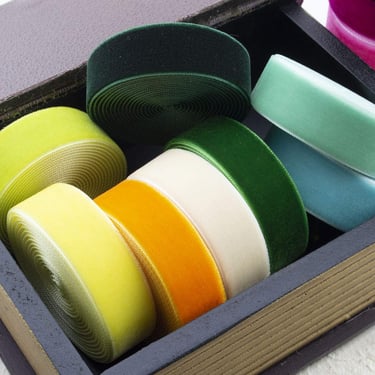
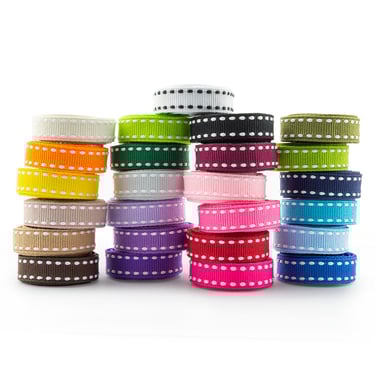
We provide quality craft supplies and hobby materials for all your creative needs.

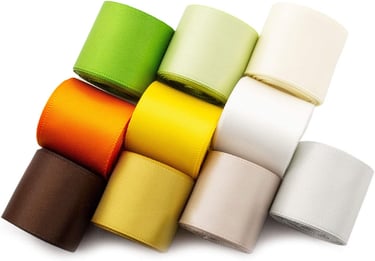
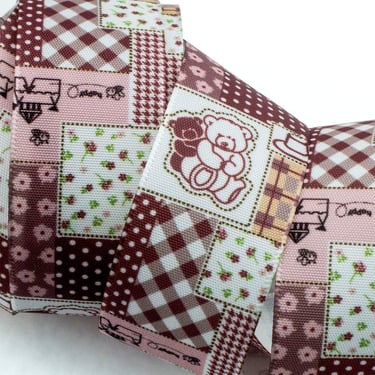
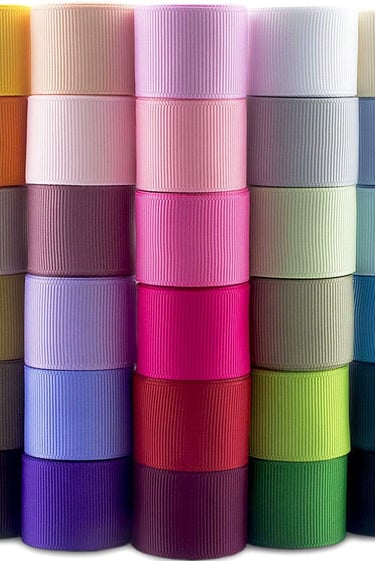
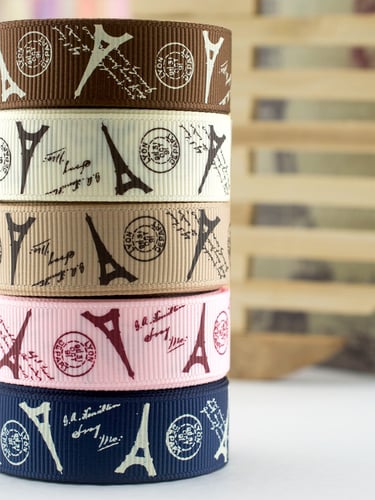


First of all
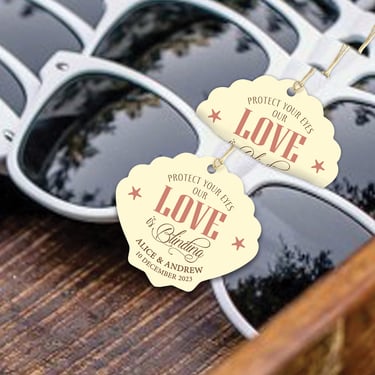
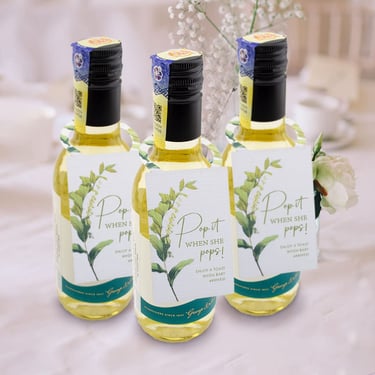
Personalised Gift Tags
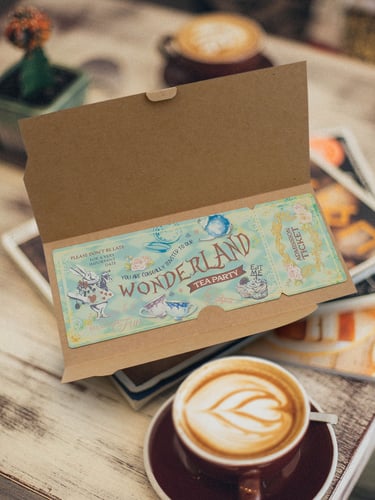
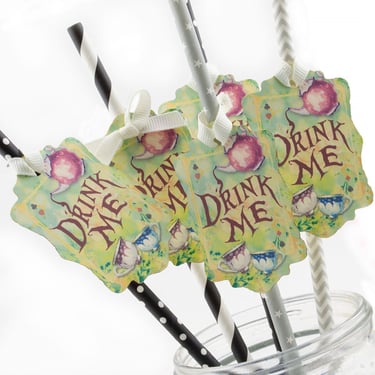
Add a personal touch to your gifts with our range of customisable gift tags, available in various shapes, colours and designs.
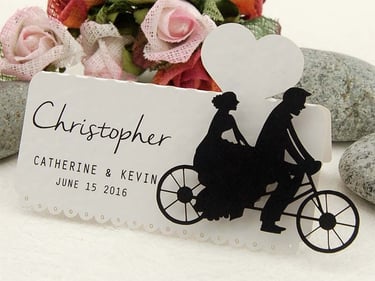
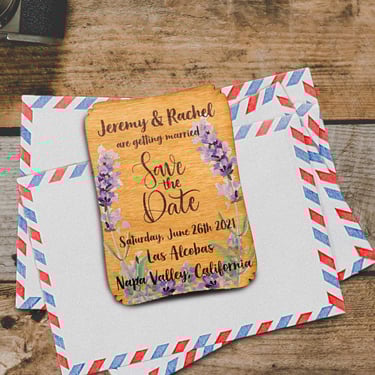
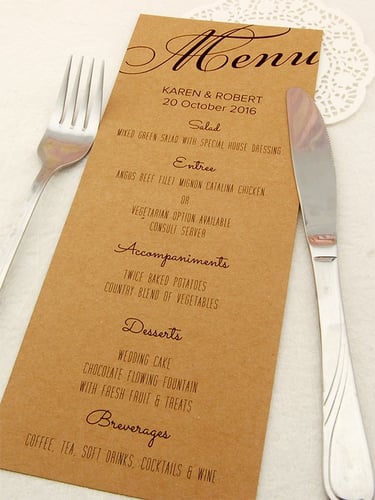
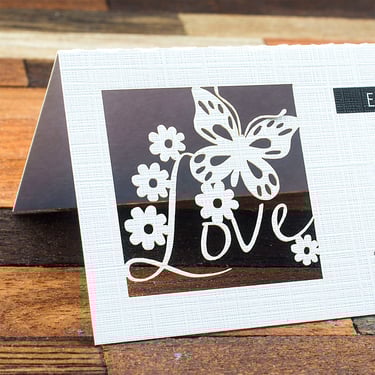
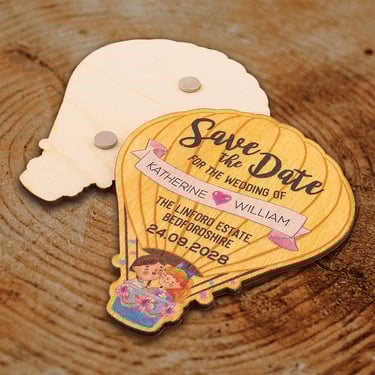
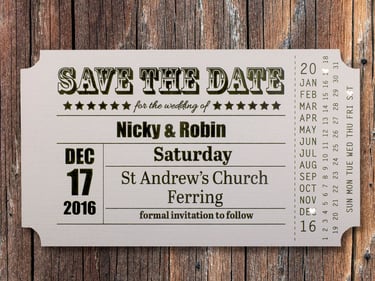
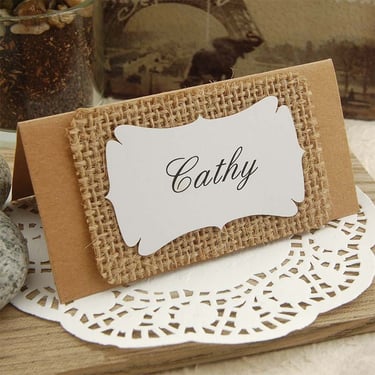
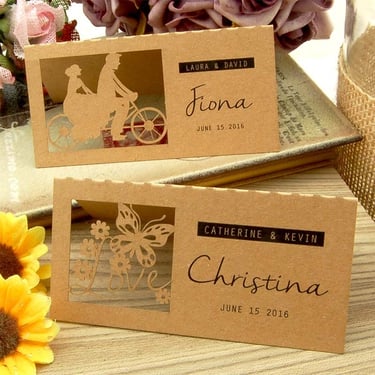
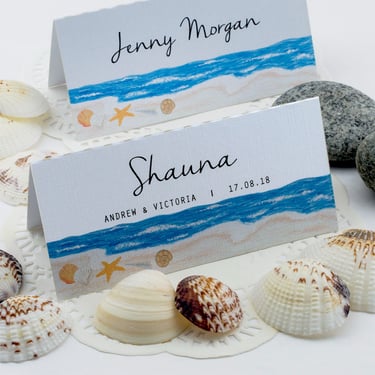
Wedding Place Cards, Save the Date and Party Invitations are also our specialties.
Not to mention
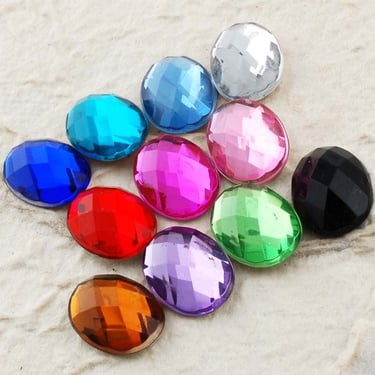
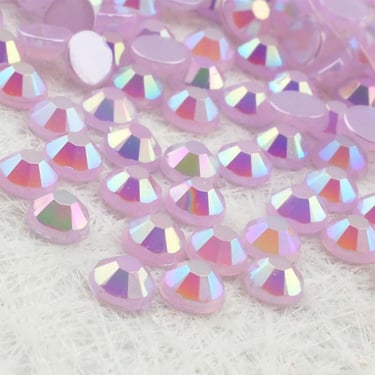
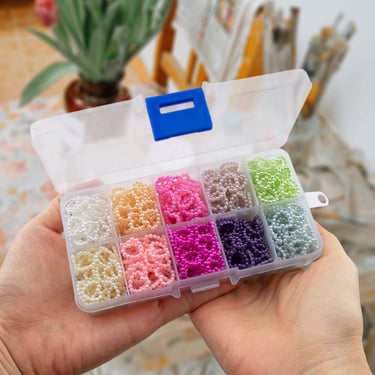
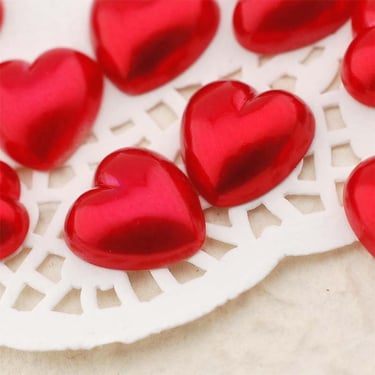
Rhinestones and Pearl Beads
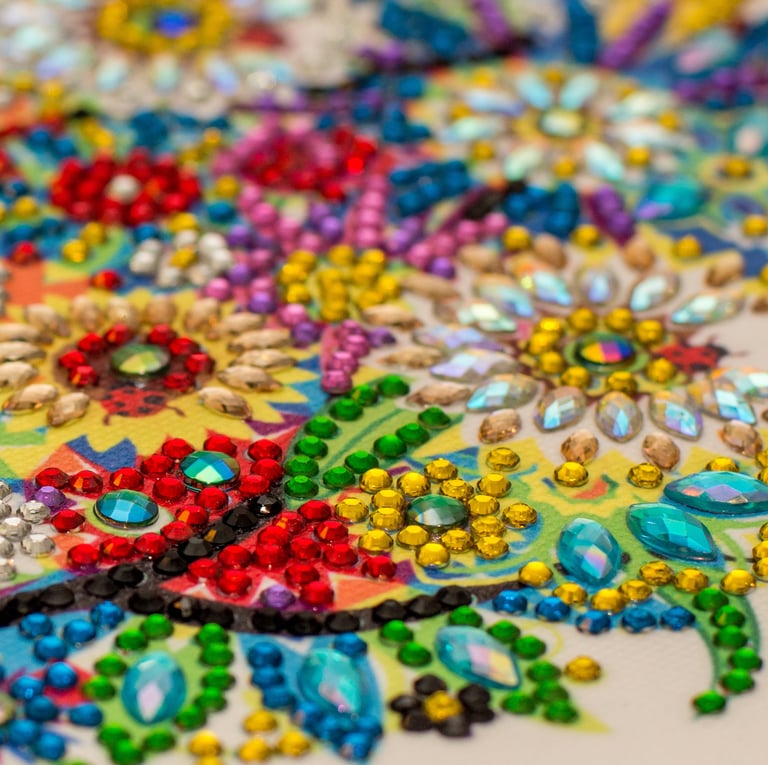
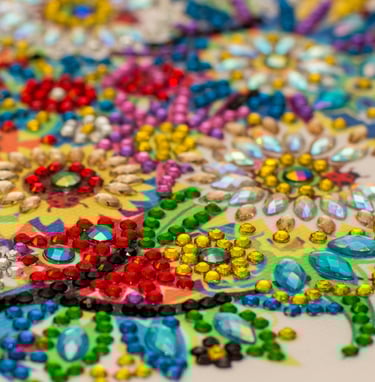
Welcome to our collection of exquisite rhinestones and pearl beads! Whether you're a jewelry designer looking for the perfect finishing touch or a crafter in search of unique embellishments, we have everything you need to create stunning pieces.
GOOD TO KNOW
Our products are also available in our Lazada store
With our store on Lazada, you can take advantage of all the perks available on Lazada platform such as free shipping and vouchers to get more value from your money.
Scan the QR code below to visit our Lazada store on your mobile phone.



You can also visit the categories you like in our Lazada store:
BESIDES, WE ALSO HAVE
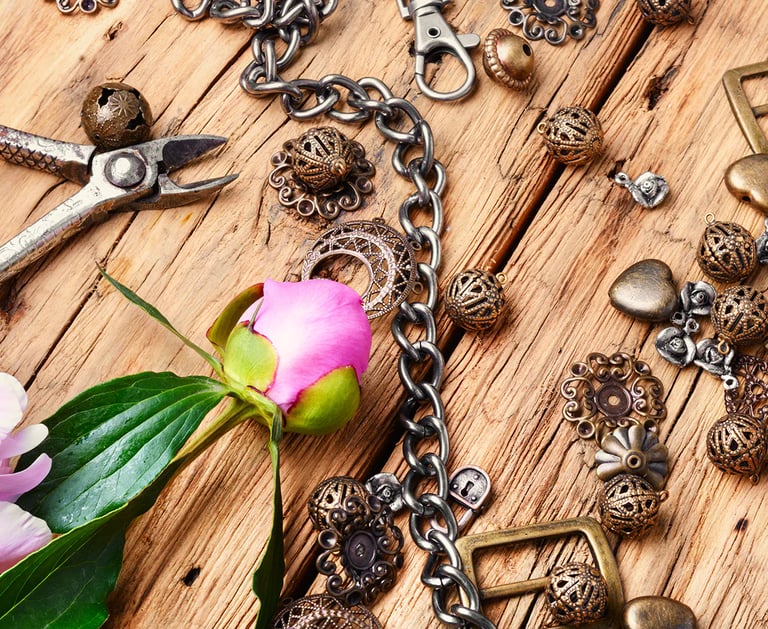
Jewellery Making Accessories
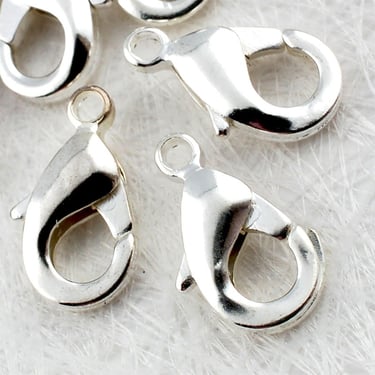
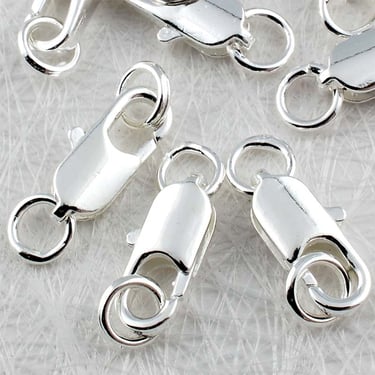
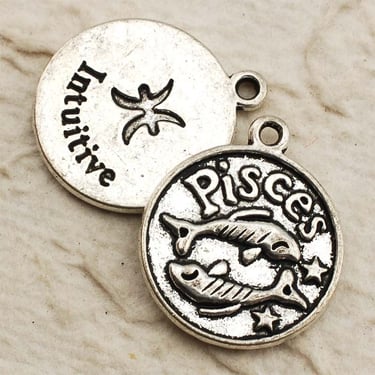
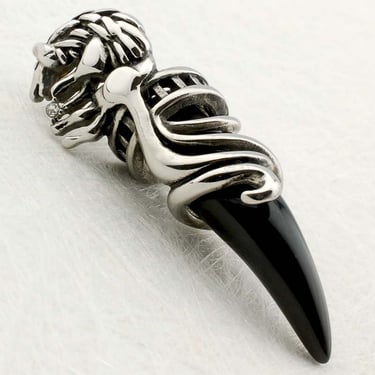
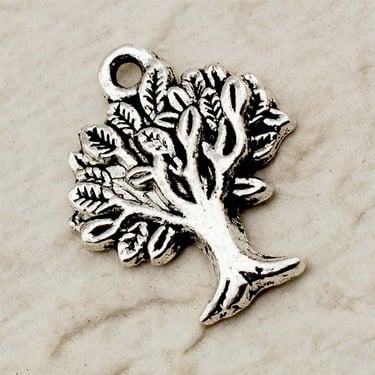
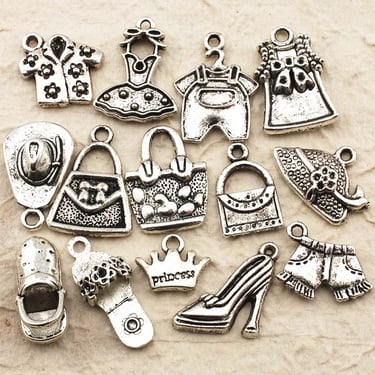
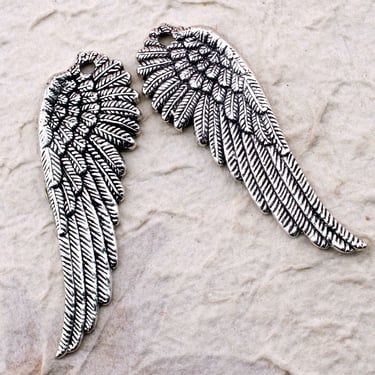
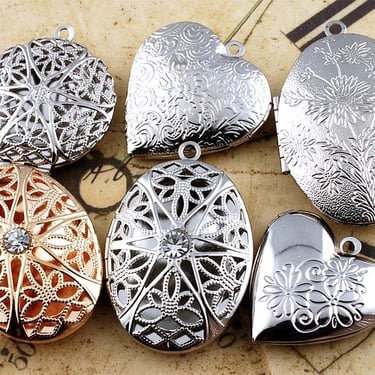
We have a large collection of tibetan silver style pendants and findings like clasps and jump rings for your jewelry making projects. Besides, we also have some exquisite stainless steel pendants and photo lockets.
And let's not forget
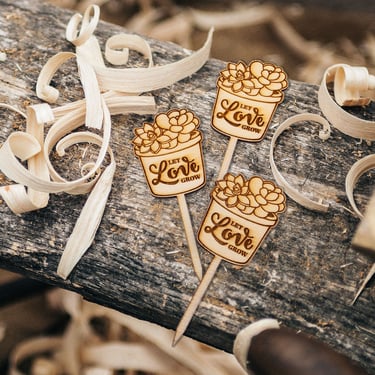
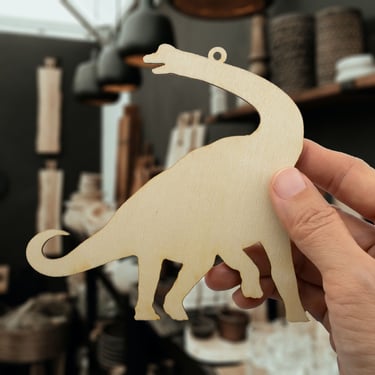
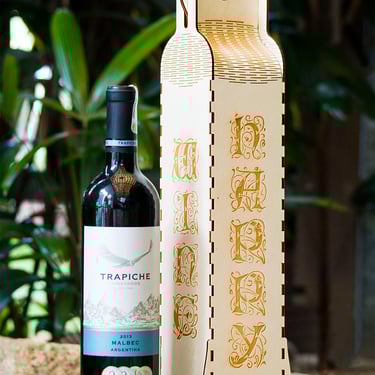
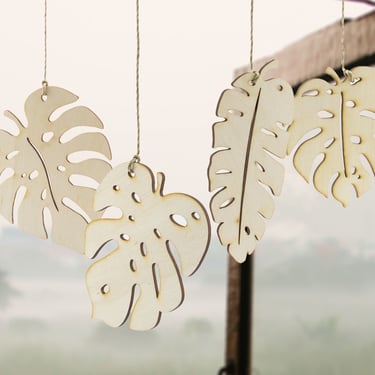
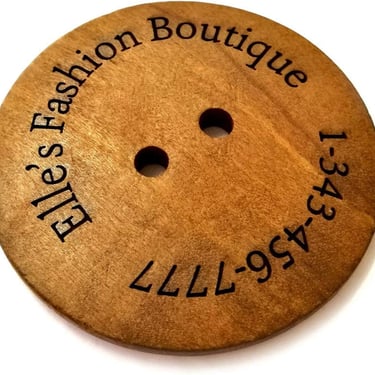
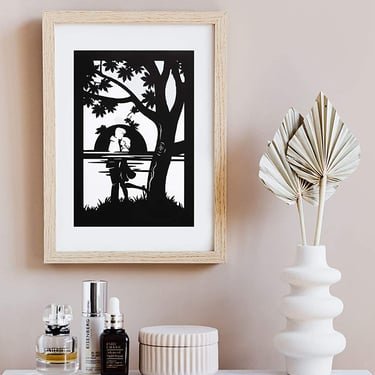
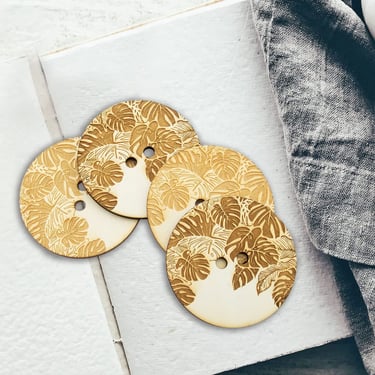
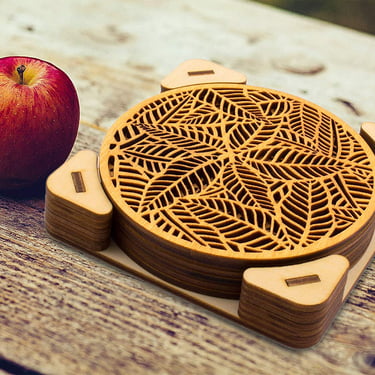
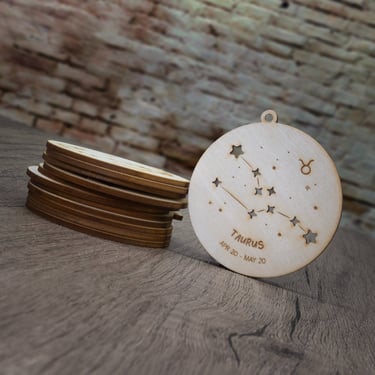
Custom Laser Cutting and Engraving
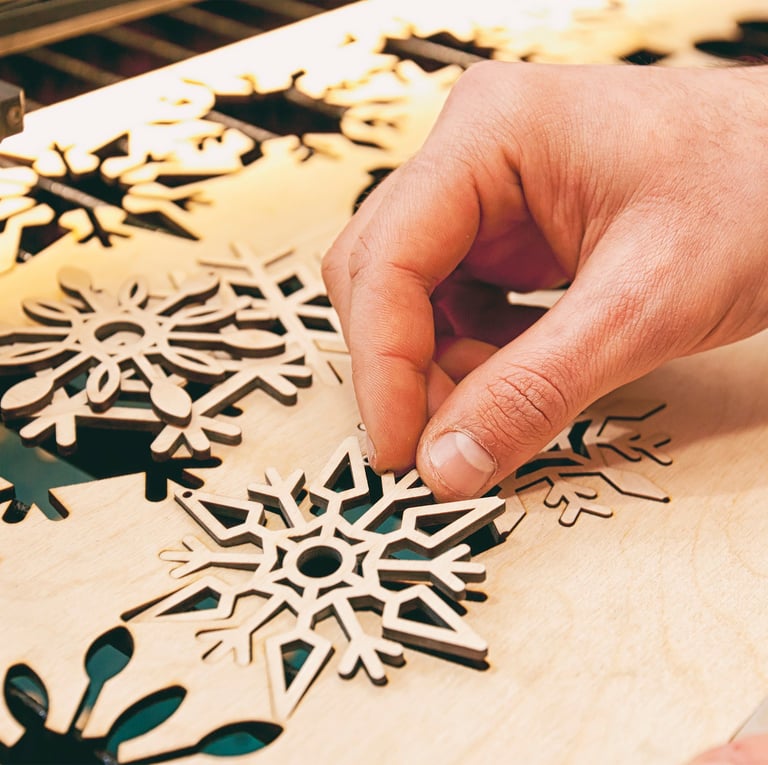
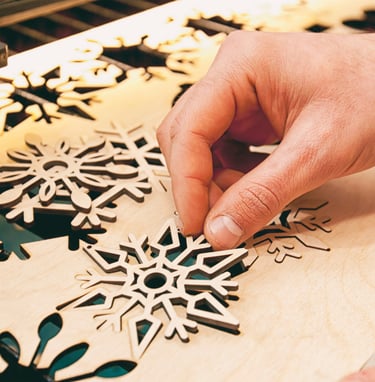
Other than supplying goods that are produced from laser cutting and engraving, we can also cut and engrave with our laser cutting machines to your designs and specifications. Just let us know what you need and we can discuss it over.


About us
Crafio is a leading craft supplies manufacturer established in 2008, offering a diverse range of quality products for hobbyists and decorators. We pride ourselves on our personalised service and attention to detail, and are committed to inspiring creativity and innovation in all our customers.